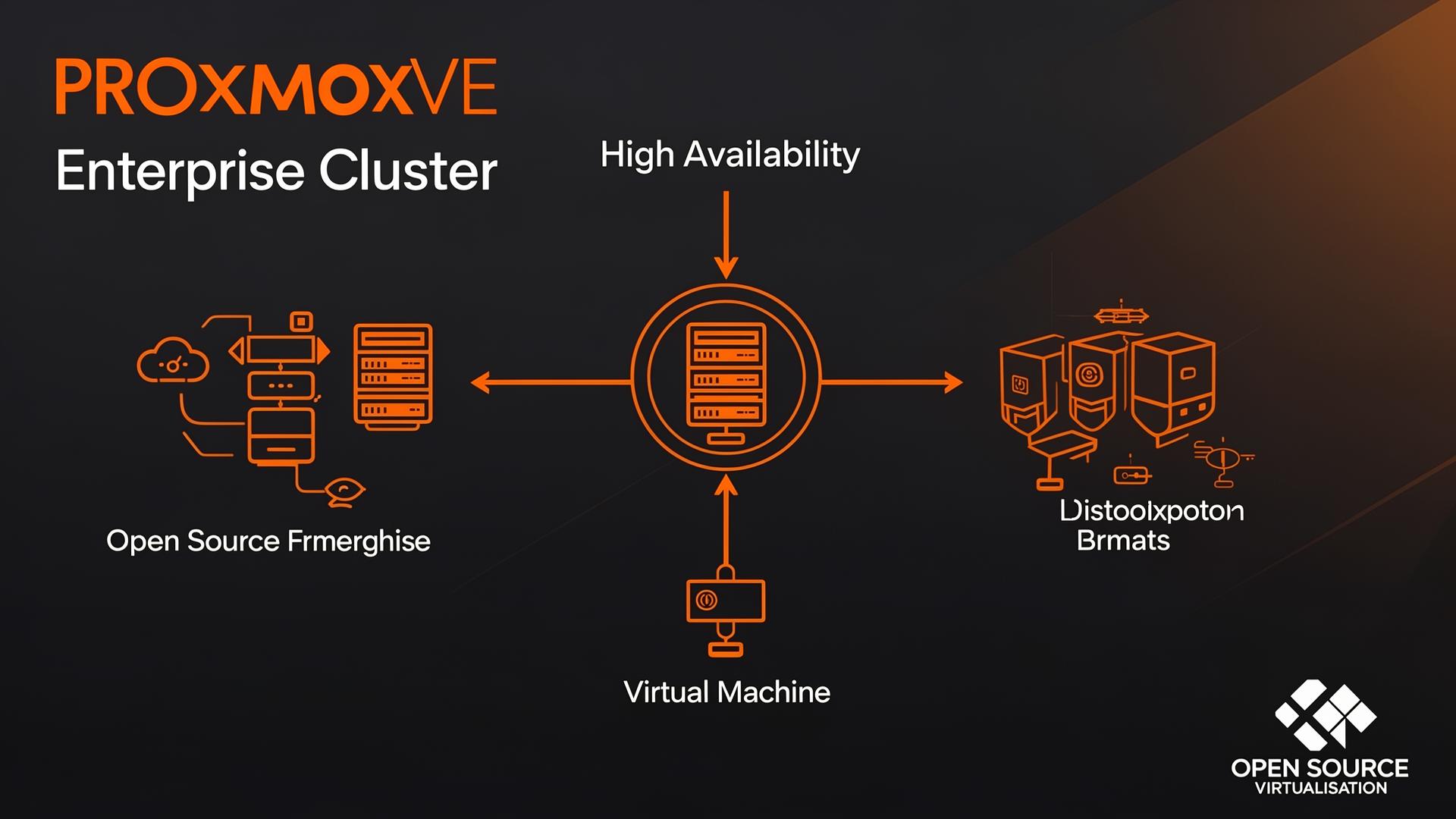
# Proxmox VE for Enterprise: Can Open Source Match Commercial Platforms
Proxmox Virtual Environment combines KVM hypervisor technology with LXC containers in a unified platform. The web management interface provides point and click administration. Clustering enables high availability. All of this is available for free.
The question is not whether Proxmox works. Thousands of organisations run production on it. The question is whether it works for your organisation.
## Understanding Proxmox Architecture
Proxmox VE builds on **Debian Linux**. This provides a stable, well-understood foundation.
**KVM** provides virtualisation. The same kernel technology that powers AWS, Google Cloud, and countless enterprise systems.
**LXC containers** offer lightweight virtualisation for Linux workloads.
## Clustering and High Availability
**Clusters** form easily. Install Proxmox on multiple servers. Join them into a cluster. Configuration replicates automatically.
**High availability** monitors VMs and restarts them on healthy nodes after failures.
**Live migration** moves running VMs between cluster nodes. Maintenance becomes possible without downtime.
## Storage Options
**Local storage** uses server disks directly. LVM thin provisioning enables efficient space usage. ZFS provides integrity checking and snapshots.
**NFS and iSCSI** connect network storage. Traditional SAN and NAS integration works conventionally.
**Ceph** provides software-defined storage built into Proxmox. Distribute storage across cluster nodes. Replicate data for protection.
## Enterprise Support Options
Free software does not mean unsupported software. Proxmox Server Solutions offers enterprise subscriptions with guaranteed response times.
**Enterprise repositories** contain tested updates. Production environments often prefer this stability.
## Where Proxmox Excels
**Cost efficiency** is obvious. No per-socket licensing.
**Simplicity** appeals to many administrators. The learning curve is manageable.
**Flexibility** comes from open architecture. Standard Linux underneath means standard tools work.
If you want to evaluate Proxmox for your environment, contact us through our contact page.
## Operating Model: Day-2 Is Where the Work Is
Most virtualisation evaluations focus on feature parity. In production, success is determined by day-2 operations:
- **Patch and upgrade cadence**: define maintenance windows and test upgrades in a staging cluster first.
- **Backup verification**: schedule regular restore tests for VMs *and* configuration (cluster config, storage, networking).
- **Capacity management**: track CPU ready time, memory ballooning, storage latency, and Ceph health (if used).
- **Change management**: treat templates, network changes, and storage policy changes as controlled releases.
## Security and Access Control Checklist
- integrate SSO where possible and enforce MFA
- restrict API access and rotate credentials
- use role-based access (separate operators from administrators)
- centralise logs (auth, config changes, cluster events) into your SIEM
## Production Readiness Questions
Answer these before you consider the platform “done”:
- Can we replace a failed node in a documented, rehearsed procedure?
- Do we know our real RPO/RTO for critical workloads?
- Can we restore a VM without production credentials being exposed?
- Do we have performance baselines and alert thresholds?
## Storage and Networking: Where Most Surprises Happen
When Proxmox implementations struggle, it is usually not the hypervisor—it is the surrounding design:
- **Storage**: validate latency and failure behaviour under load. If using Ceph, document what “degraded” looks like, how you add OSDs, and how you recover from a failed disk during business hours.
- **Backups**: decide whether you rely on Proxmox Backup Server, third-party tooling, or both. Confirm encryption, retention, immutability targets, and offsite replication.
- **Networking**: standardise VLANs, bonds, and MTU settings. Test live migration paths and confirm that network changes are reversible.
## Migration Factory: Make It Boring
To move at enterprise scale, treat migration as a production line:
1. Create a validated VM template baseline (OS hardening, agents, monitoring). 2. Define a “golden” network and storage profile. 3. Automate provisioning (so every VM is identical by default). 4. Add post-migration validation (app health checks, performance smoke test, backup job created).
If every migration is bespoke, you will never finish.