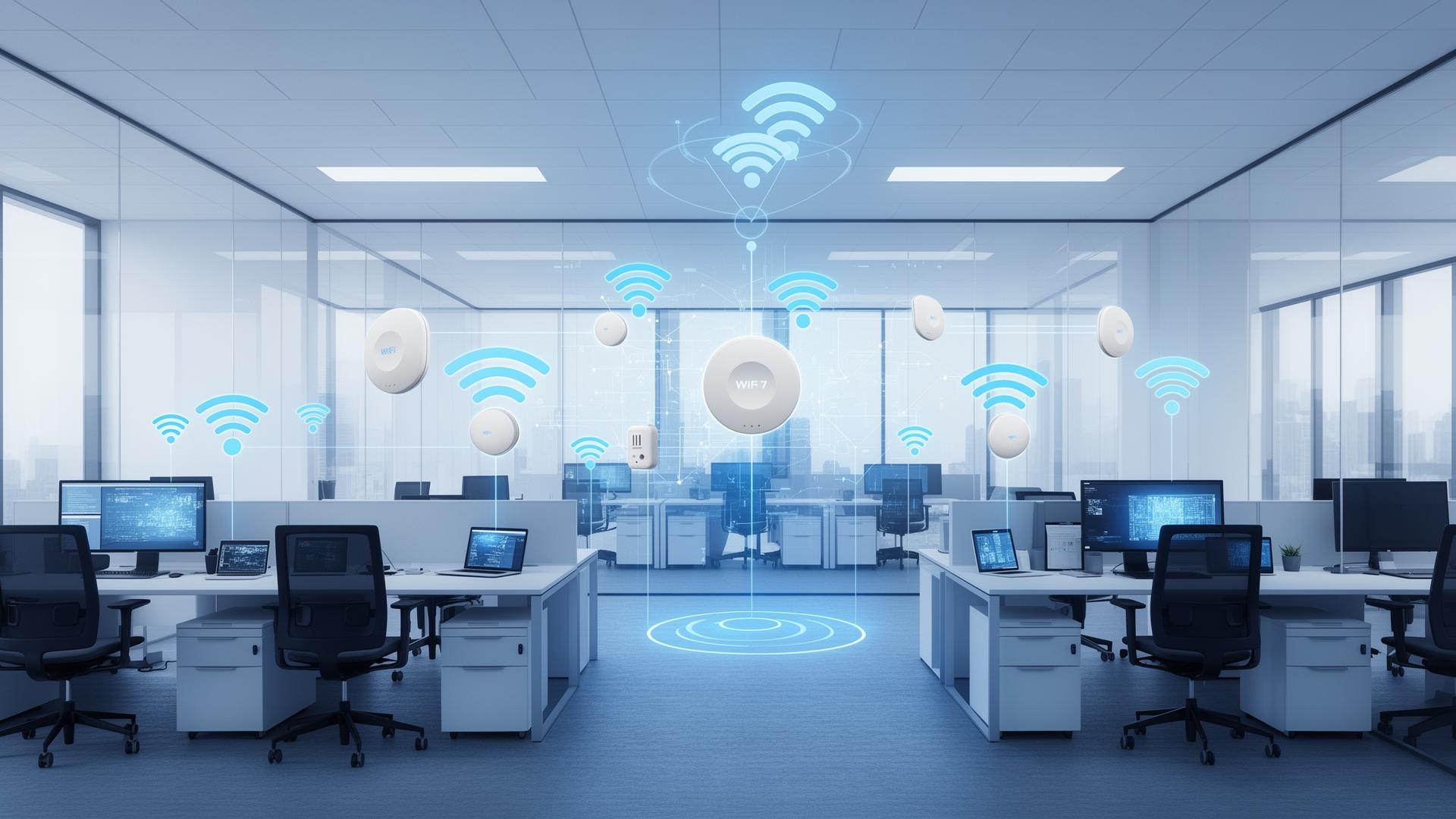
# WiFi 7 for Enterprise: What You Need to Know Before Upgrading
WiFi standards evolve continuously. Each generation promises faster speeds and better performance. WiFi 7 (802.11be) represents the latest iteration with impressive specifications. Enterprise planners need to evaluate whether and when to upgrade.
## WiFi 7 Technology
Key innovations define WiFi 7.
**Multi-Link Operation (MLO)** aggregates multiple bands. Devices connect across 2.4, 5, and 6 GHz simultaneously. Increased throughput and reliability. Load balancing across links.
**320 MHz channels** double maximum channel width. Available in 6 GHz band. Higher throughput potential. Requires 6 GHz availability.
**4K-QAM** increases modulation density. More bits per symbol. Benefits devices with strong signals. Marginal in challenging RF environments.
**Reduced latency** targets real-time applications. Multi-link provides path diversity. Deterministic latency features support time-sensitive networking.
## Enterprise Considerations
Enterprise evaluation differs from consumer purchasing.
**Client availability** lags infrastructure. New APs cannot use features clients lack. Laptop, tablet, and phone refresh cycles matter. WiFi 7 clients remain rare in 2025.
**6 GHz spectrum** requirements vary. Full WiFi 7 benefits require 6 GHz access. Regulatory availability varies by country. Indoor versus outdoor restrictions apply.
**Existing infrastructure** investment deserves consideration. WiFi 6 and 6E deployments are recent. Useful life not exhausted. Premature replacement wastes investment.
**Density improvements** provide tangible benefit. More capacity per AP. Better handling of simultaneous clients. Crowded environments benefit first.
## Upgrade Planning
Thoughtful planning optimises timing and investment.
**Assess current pain points.** Does current WiFi limit productivity? Will WiFi 7 address specific problems? Upgrade where needed.
**Monitor client evolution.** When will your device fleet support WiFi 7? Infrastructure investment should align.
**Plan for 6 GHz.** WiFi 6E or WiFi 7 both use 6 GHz. Early deployment gains experience. New building designs should accommodate.
If your organisation needs help planning wireless infrastructure or evaluating WiFi upgrade timing, contact us through our contact page.
## WiFi 7 Rollout Strategy
Treat WiFi 7 as a targeted upgrade first:
- high-density areas (meeting rooms, auditoriums),
- latency-sensitive environments,
- or sites where you can fully leverage 6 GHz.
## Design Considerations
- Validate **power and cabling** (PoE budgets, multi-gig uplinks).
- Plan for **RF design** in 6 GHz rather than “copy and paste” from 5 GHz.
- Ensure your NAC and security tooling can handle the new client capability mix.
Measure real user experience (throughput *and* latency), not headline PHY rates.
## WiFi 7 Rollout Strategy
Treat WiFi 7 as a targeted upgrade first:
- high-density areas (meeting rooms, auditoriums),
- latency-sensitive environments,
- or sites where you can fully leverage 6 GHz.
## Design Considerations
- Validate **power and cabling** (PoE budgets, multi-gig uplinks).
- Plan for **RF design** in 6 GHz rather than “copy and paste” from 5 GHz.
- Ensure your NAC and security tooling can handle the new client capability mix.
Measure real user experience (throughput *and* latency), not headline PHY rates.